Getting Started
Set up your account and receive your first digest
What is Readless?
Imagine having a personal assistant who reads all your newsletters, pulls out the important stuff, and sends you a clean summary exactly when you want it. That's Readless.
Here's the core flow: your newsletters arrive at Readless, we collect them for you, AI turns the noise into a focused digest, and that summary lands in your inbox at the time you choose—like a morning briefing on your own schedule.
The idea is simple: less inbox clutter, more signal.
Your Setup Checklist
- Verify your delivery email — This is the address where your digests are sent. Confirm it's correct so summaries never miss you. Learn more in Delivery Email.
- Generate your custom email — Your personal @mail.readless.app address is where you forward newsletters so Readless can process them. Learn more in Custom Email.
- Create your first digest schedule — Pick when you want your summaries—daily, weekly windows, or whatever fits your routine. A short setup wizard walks you through cadence, style, and routing. Learn more in Digest Schedules.
What happens next?
Forward newsletters to your Readless address (or your custom address once it's set up). They show up in the Email Viewer so you can see what's arrived, and on the Sources page you can route each sender to a specific schedule. When your schedule fires, Readless bundles everything into a digest summary and sends it to your delivery email—one tidy message instead of a dozen scattered threads.
How it connects
- Delivery Email — Set up where your digests are sent
- Custom Email — Get your dedicated newsletter address
- Digest Schedules — Choose when you receive summaries
- Sources — Route newsletters and RSS feeds to specific schedules
- Substack — Connect a Substack publication with one paste
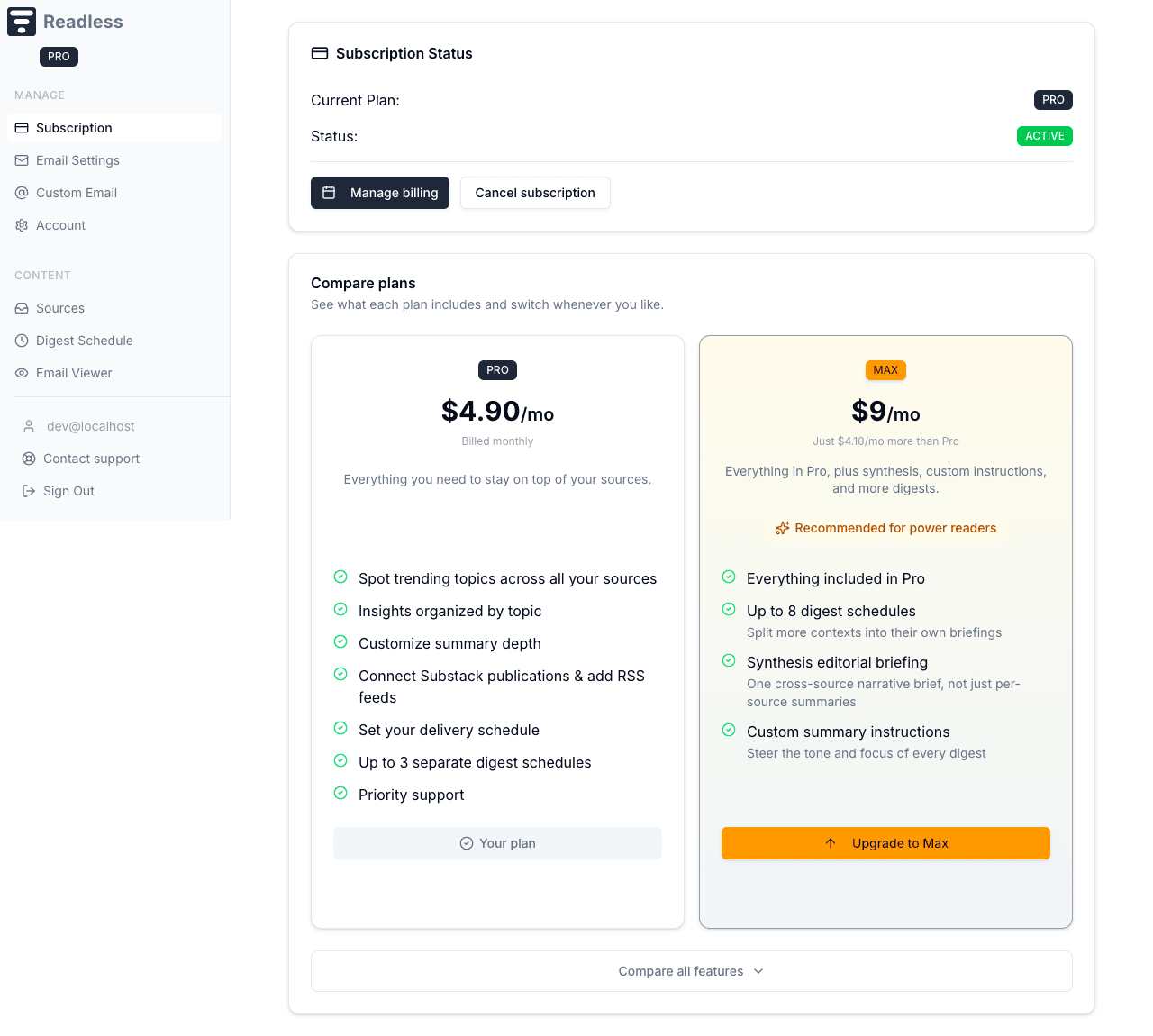
- Max Plan — Synthesis briefings, custom tone & focus, and up to 8 schedules